

Better systems.
More human work.

Stop losing hours to

For any team buried in repetitive work: I connect your tools and add AI, so the busywork runs on its own. Built by a former accountant.

Selected work

See all 10 systems
running finance and accounting work
10+ years
in business strategy
MBA
automation systems built
10

Builds on

  • n8n
  • Zapier
  • Make

It’s 9:14 PM. The work is still waiting.

Invoices to key in, leads to call back, a report due in the morning. The business grew; the admin grew faster.

Then the work starts moving on its own.

Email, AI, accounting and team chat connected into one workflow. Every step checked, every unusual case handed to a person.

Home by five.

The same work still gets done, without the late nights. That is the job: time back for the people running the business.

10 systemsbuilt to hand that time back

See examples
  1. It’s 9:14 PM. The work is still waiting.

    Invoices to key in, leads to call back, a report due in the morning. The business grew; the admin grew faster.

    • 47 unread emails
    • 23 invoices to key in
    • 6 leads not called back
  2. Then the work starts moving on its own.

    Email, AI, accounting and team chat connected into one workflow. Every step checked, every unusual case handed to a person.

    Gmail → n8n → Claude → QuickBooks → Slack

  3. Home by five.

    The same work still gets done, without the late nights. That is the job: time back for the people running the business.

    10 systems built to hand that time back

    See examples

SELECTED WORK

Business problems, designed as systems.

Each one starts with what a team was doing by hand, and ends with what runs instead. Pick a project to see both.

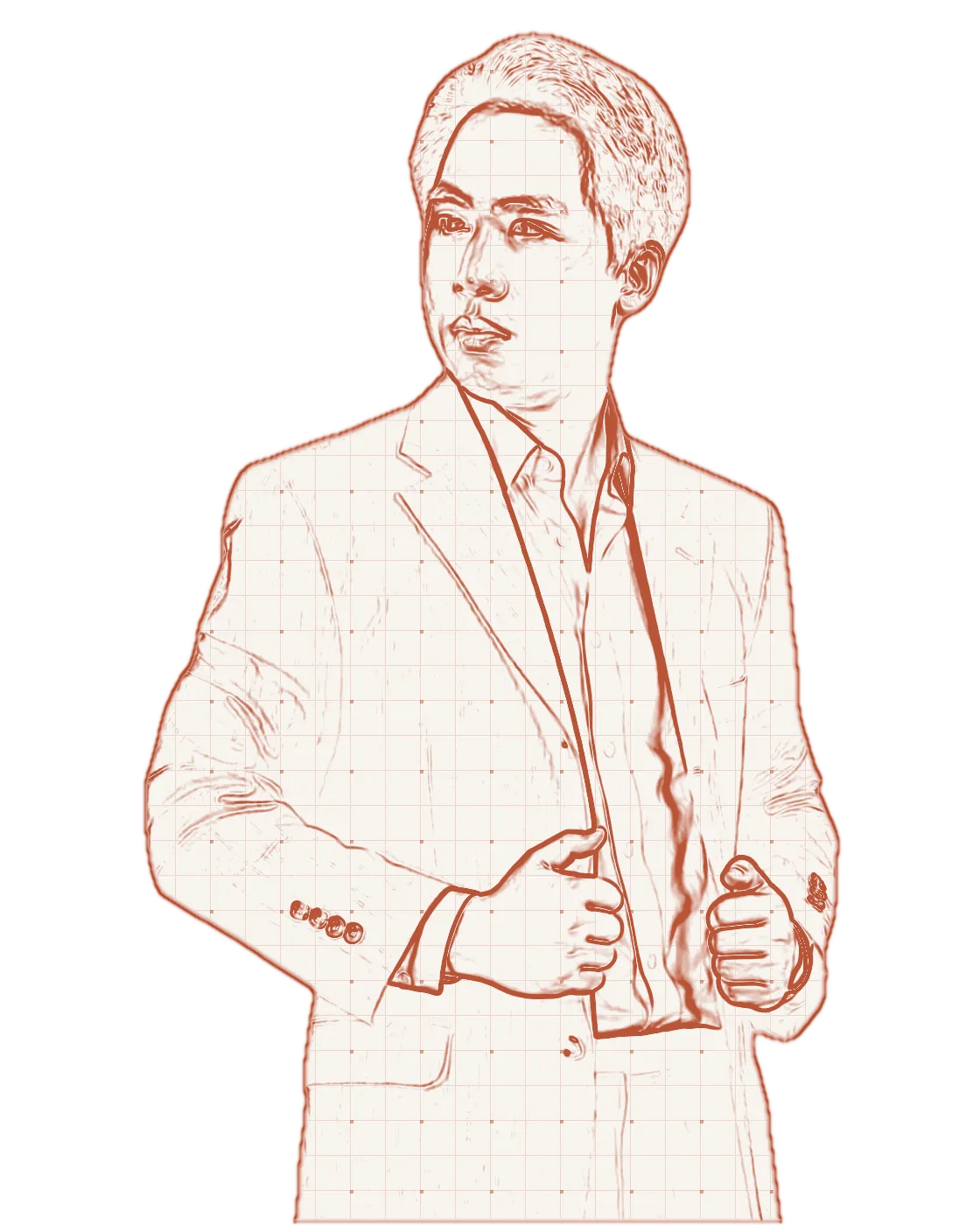
Hello, I'm
Ramon Vallejera Jr.

AI Automation Specialist for teams buried in repetitive work

in finance & accounting
10+ yrs
business strategy
MBA
systems built
10

Career so far

  1. 2013Accounting & Audit Staff
  2. 2015Accounts Payable & Tax Analyst
  3. 2016Cost Accountant
  4. 2020Branch Accountant
  5. 2022Financial Analyst
  6. NowAutomation systems for teams buried in repetitive work
Full career history

I spent a decade inside the work I now automate.

Supplier invoices and tax filings, project cost checks, a 10-person month-end close, then forecasting: I did that work by hand for over ten years. It taught me where work really slows down, and which checks cannot be skipped. Those habits carry over to the routine work of any team, not only finance.

Now I connect the tools a business already uses so requests, lead follow-ups, support tickets, paperwork and reporting move on their own, whether the team sits in finance, sales, support or operations. Human review stays where it matters, with failure alerts and a clear handover.

I build
Automated workflows, AI assistants, and connections between the apps your business already uses.
Best fit
Any team losing time to repetitive admin, disconnected tools and manual handoffs, in finance, sales, support or operations.
You get
A tested system, failure alerts, documentation and a practical handover.

Open to new projectsPhilippines, working across time zones

Five roles. One habit: map the work first.

Each role handed me a process to run by hand: client books and audits, invoices and supplier payments, project cost records, month-end accounts, then forecasting.

  1. Build company valuation models and forecasts for US stock portfolios

    • Maintain discounted cash flow valuation models and financial statement forecasts across a portfolio of US-listed companies.
    • Turn earnings calls and investor guidance into revised assumptions every quarter, so each model reflects the latest numbers.
    • Research filings and market data and turn them into structured reports.
    Employer
    Independent contractor · United States, remote
    Tools
    Valuation Models · Financial Analysis · Forecasting · Excel
  2. Led a 10-person accounting team closing the books every month and year

    • Delivered the branch’s monthly and annual financial statements on a fixed close cycle.
    • Owned the month-end close and the account reconciliations behind it.
    • Ran and documented the approval processes for supplier bills, customer payments and payouts.
    • Kept the branch accounts in SAP, reconciled and ready for review.
    Employer
    Real estate developer · Cagayan de Oro
    Tools
    Team Leadership · Payables & Receivables · Account Reconciliation · SAP · Process Mapping
  3. Checked multi-million project costs against the books, with automated reports

    • Performed standard costing and budget-versus-actual variance analysis on the developer’s projects.
    • Reconciled material, labour and overhead costs against the item ledger.
    • Built and maintained recurring cost and project reporting workbooks.
    Employer
    Real estate developer · Cagayan de Oro
    Tools
    Cost Accounting · Budget vs Actual · QuickBooks · Workbooks
  4. Ran supplier invoices from receipt to payment and kept every tax filing on time

    • Supervised the full accounts payable cycle: invoice processing, supplier reconciliation, aging and voucher controls.
    • Reviewed payment approvals and followed up overdue supplier balances.
    • Managed statutory tax compliance and the filing calendar, so every return went in on time.
    Employer
    Real estate developer · Cagayan de Oro
    Tools
    Tax Compliance · Invoicing · Supplier Reconciliation · Payment Approvals
  5. Prepared client accounts and audit reports, and filed their tax returns

    • Prepared client financial statements, notes and audit reports.
    • Performed audit work on cash, property and equipment, receivables and payables.
    • Recorded client sales, purchases and expenses in QuickBooks, and filed VAT, percentage, withholding and income tax returns.
    Employer
    Accounting firm · Cagayan de Oro
    Tools
    Audit · Financial Statements · Tax Returns · QuickBooks

How I work

  • Business case firstStart with the work and the hours it costs, not the software.
  • Ready for when things failEvery build checks for errors and alerts you when something goes wrong.
  • Human control retainedA person reviews anything where a mistake would be expensive.
  • Documented handoverYour team can run and extend it without me.

Every system on this page began as something on that list. See examples

What comes off
your team’s desk.

Five practical ways to remove repetitive work: from intake and follow-up to approvals, reporting and customer response. Every build is documented so your team can run it without me.

  • Move information, prepare recurring reports and carry multi-step office work forward without someone checking every screen.

    See how it works
  • Turn forms, checks, approvals, folders and handoffs into one reliable process that keeps everyone informed.

    See how it works
  • Find information across policies, contracts and internal files, with links back to the source so every answer can be checked.

    See how it works
  • Keep customer details, orders and updates consistent across spreadsheets, databases, inboxes and team channels.

    See how it works
  • Respond to common questions, collect the right details and book confirmed appointments even when your team is unavailable.

    See how it works

Not sure which you need?

Tell me what your team still does by hand, and I will tell you which of these fits.

Book a free call

Where I build it

  • n8nPrimaryFlexible workflows with full ownership
  • ZapierThe quickest way to connect familiar business tools
  • MakeVisual workflows for larger amounts of information

CONNECTS WITH

Your CRM, inbox, spreadsheets, accounting tools and team channels can keep working together after handover.

n8nZapierMakeClaudeOpenAIDeepSeekPostgreSQLSupabasePineconeAirtableNotionGoogle Sheets
HubSpotSalesforceQuickBooksXeroStripeShopifyTwilioWhatsAppTelegramSlackGmailGoogle DriveCal.comElevenLabsVAPIGitHub

A clear path from problem to reliable system.

You will always know what is happening, what comes next and what I need from you.

Discovery

Start with the work, not the software.

Phase
Audit · 1 week
When
Day 1
From you
A 30-minute call, and a walk through how the work happens today.
You get
A plain statement of the problem and how success will be measured.

We talk through the outcome you need, who touches the process today and where repetitive work, delays or errors are costing you time.

01 / 06

Process audit

Find the best automation opportunities.

Phase
Audit · 1 week
When
Week 1
From you
View access to the tools involved and an hour with whoever runs the process.
You get
A prioritised list of what to automate and the time each one saves.

I write down how the work is done today, measure where it gets stuck and separate what is worth automating from what still needs a person.

02 / 06

Solution design

Map the system before writing a workflow.

Phase
Build · 1 to 4 weeks
When
First days
From you
Sign-off on the system map before anything is built.
You get
A one-page map of how the system will work, including approvals and what happens on errors.

I set out where information goes, the rules it follows, what the AI does, who approves what and what happens when something fails. You see exactly what gets built and why.

03 / 06

Build & connect

Connect the tools and bring the plan to life.

Phase
Build · 1 to 4 weeks
When
1 to 4 weeks
From you
Access to the apps being connected, and quick answers on unusual cases.
You get
A working automation in your own accounts, with a record of every run and alerts.

I build the automation, connect your apps, set up the AI steps, and add a record of every run, alerts and a way to recover when something fails.

04 / 06

Testing & handover

Prove it works when things go wrong, not just when they go right.

Phase
Build · 1 to 4 weeks
When
Final days
From you
Real examples to test with, and the people who will use it at the walkthrough.
You get
Test results, documentation and a walkthrough for your team.

We test real cases, unusual ones, who can access what and what happens when an app stops responding. Your team gets clear instructions and a practical walkthrough.

05 / 06

Launch & optimize

Go live, watch closely and keep improving.

Phase
Retainer · Monthly
When
Monthly
From you
Flag anything odd in the first weeks. The retainer is optional.
You get
Close monitoring of the first runs and a measured result.

I watch the first runs closely, fix anything unexpected and measure the result. The system evolves as your volume, tools and process change.

06 / 06

  1. 01

    Discovery

    Start with the work, not the software.

    We talk through the outcome you need, who touches the process today and where repetitive work, delays or errors are costing you time.

    Phase
    Audit · 1 week
    When
    Day 1
    From you
    A 30-minute call, and a walk through how the work happens today.
    You get
    A plain statement of the problem and how success will be measured.
  2. 02

    Process audit

    Find the best automation opportunities.

    I write down how the work is done today, measure where it gets stuck and separate what is worth automating from what still needs a person.

    Phase
    Audit · 1 week
    When
    Week 1
    From you
    View access to the tools involved and an hour with whoever runs the process.
    You get
    A prioritised list of what to automate and the time each one saves.
  3. 03

    Solution design

    Map the system before writing a workflow.

    I set out where information goes, the rules it follows, what the AI does, who approves what and what happens when something fails. You see exactly what gets built and why.

    Phase
    Build · 1 to 4 weeks
    When
    First days
    From you
    Sign-off on the system map before anything is built.
    You get
    A one-page map of how the system will work, including approvals and what happens on errors.
  4. 04

    Build & connect

    Connect the tools and bring the plan to life.

    I build the automation, connect your apps, set up the AI steps, and add a record of every run, alerts and a way to recover when something fails.

    Phase
    Build · 1 to 4 weeks
    When
    1 to 4 weeks
    From you
    Access to the apps being connected, and quick answers on unusual cases.
    You get
    A working automation in your own accounts, with a record of every run and alerts.
  5. 05

    Testing & handover

    Prove it works when things go wrong, not just when they go right.

    We test real cases, unusual ones, who can access what and what happens when an app stops responding. Your team gets clear instructions and a practical walkthrough.

    Phase
    Build · 1 to 4 weeks
    When
    Final days
    From you
    Real examples to test with, and the people who will use it at the walkthrough.
    You get
    Test results, documentation and a walkthrough for your team.
  6. 06

    Launch & optimize

    Go live, watch closely and keep improving.

    I watch the first runs closely, fix anything unexpected and measure the result. The system evolves as your volume, tools and process change.

    Phase
    Retainer · Monthly
    When
    Monthly
    From you
    Flag anything odd in the first weeks. The retainer is optional.
    You get
    Close monitoring of the first runs and a measured result.

WORKING TOGETHER

One path,
three steps.

I recommend the audit first, then a build for what it finds, then a retainer to keep it running. Start wherever you are.

  1. 1 weekRecommended start

    Automation Audit

    Fixed feequoted on the free call

    You know something is eating the week, but not what to automate first.

    • How the work is done today, written down
    • A list of what is worth automating
    • Which tool to build it on
    • A plan in order of priority

    You leave withA prioritised plan and which tool to build it on.

  2. 1 to 4 weeks

    Fixed-Price Build

    Fixed quoteper workflow, agreed before work starts

    You know exactly which process, and want it built and handed over.

    • System design, including what happens on errors
    • Build on n8n, Zapier or Make
    • Testing with your unusual cases
    • Documentation and handover

    You leave withA tested workflow running in your accounts, documented.

  3. Monthly

    Ongoing Retainer

    Flat monthly feescope agreed up front

    You already have workflows running and need them to keep running.

    • Monitoring and failure alerts
    • Fixes when your tools change
    • New workflows as they come up
    • Faster replies when you need me

    You leave withWorkflows that keep working as your tools change.

Every engagement starts with a free 30-minute call. What is included and the price are agreed in writing before any build starts.

Book a free call

Questions.

Clear answers about access, ownership, reliability and what happens after handover.

Book a free call
  1. Projects are priced up front, not by the hour. The Automation Audit is a fixed fee quoted on the free call, a build is a fixed quote per workflow agreed before work starts, and the optional monthly retainer is a flat fee with the scope agreed up front. You see the number before anything begins.

  2. Yes. I work inside accounts and systems you control, request only the access the workflow needs, and can run everything on your own servers when sensitive data should never leave your business.

  3. You do. The finished workflow runs in your accounts and includes documentation, a recorded handover and clear instructions for the person who maintains it next.

  4. Important workflows alert you when something fails, retry safely without creating duplicates, and pause for a person to check anything where a wrong decision would be costly. Problems are flagged, never hidden.

All 10 questions

Still have a question? My assistant can walk you through the services and how a project runs.

Book a free 30‑minute call.

No charge, no deck. Bring one task your team repeats every week, and I will tell you whether it is worth automating, and on which platform.

  1. Pick a time

    Any open slot, shown in your own time zone.

  2. 30-minute call

    Show me how the work gets done today, step by step.

  3. Summary and quote in 48 hours

    Whether it is worth automating, on which platform, and a fixed quote, or the audit first if it needs mapping.

Rather write first? ramonvallejerajr@gmail.com

Replies usually within one business day.

Ramon Vallejera Jr.

Book a slot

  • 30 min
  • Free

Calendar not showing? Open it on Calendly